Internal Tools: Build, Buy, or Use Retool? A Founder's Guide to a $50,000 Decision
Deciding on internal tools development is a high-stakes choice for any startup. This guide breaks down the real costs of building custom, buying SaaS, or using Retool, helping you make the right call for your business.

Every scaling company hits a wall. The chaotic spreadsheet that tracked your first 100 orders is now a smoldering wreck. Your support team has five browser tabs open per customer just to answer a simple question. Manual processes that felt scrappy and smart at 10 people feel like running in wet cement at 50.
This is the internal tools paradox: you need better systems to operate efficiently, but every engineering hour you spend on them is an hour you don't spend on your core, customer-facing product. Your VCs didn't fund you to build a better admin panel.
So you're stuck. The default answer for years has been a simple binary: Build vs. Buy. But the rise of low-code platforms like Retool has introduced a compelling third option: Assemble. This isn't just semantics; it's a fundamentally different approach with its own calculus of cost, speed, and risk.
This guide is for founders, CTOs, and operators staring down this decision. We're going to cut through the fluff and talk about real numbers, timelines, and tradeoffs. This is easily a $50,000 decision, even for a small team, when you factor in the total cost of ownership. Let's get it right.
The True Cost of "Buying" an Off-the-Shelf Solution
Buying an off-the-shelf (OTS) or SaaS tool seems like the easiest path. Your problem—be it customer support, HR, or sales tracking—is probably not unique. Someone has built a solution for it. The pitch is seductive: a low monthly fee, instant setup, and zero developer involvement.
But the true cost of "buying" is rarely just the sticker price. It's a composite of:
- Subscription Fees: The most obvious cost. This is usually priced per user, or "seat." A tool that's $49/user/month seems cheap for a 3-person team ($147/mo), but it becomes a significant line item for a 30-person team ($1,470/mo or $17,640/yr).
- Integration Debt: Your SaaS tools don't live in a vacuum. You need your support desk (Zendesk) to talk to your CRM (Salesforce), which needs to see data from your billing system (Stripe). Often, this requires a third-party integrator tool like Zapier or Workato, which adds another monthly subscription fee and another point of failure.
- Workflow Inflexibility: This is the most insidious cost. SaaS tools are inherently opinionated. They force you into their workflow. If your business process has a unique step—a special approval, a custom data field, a unique status—you're often out of luck. The result is your team creating workarounds outside the tool, usually in... you guessed it, a spreadsheet. The very problem you tried to solve.
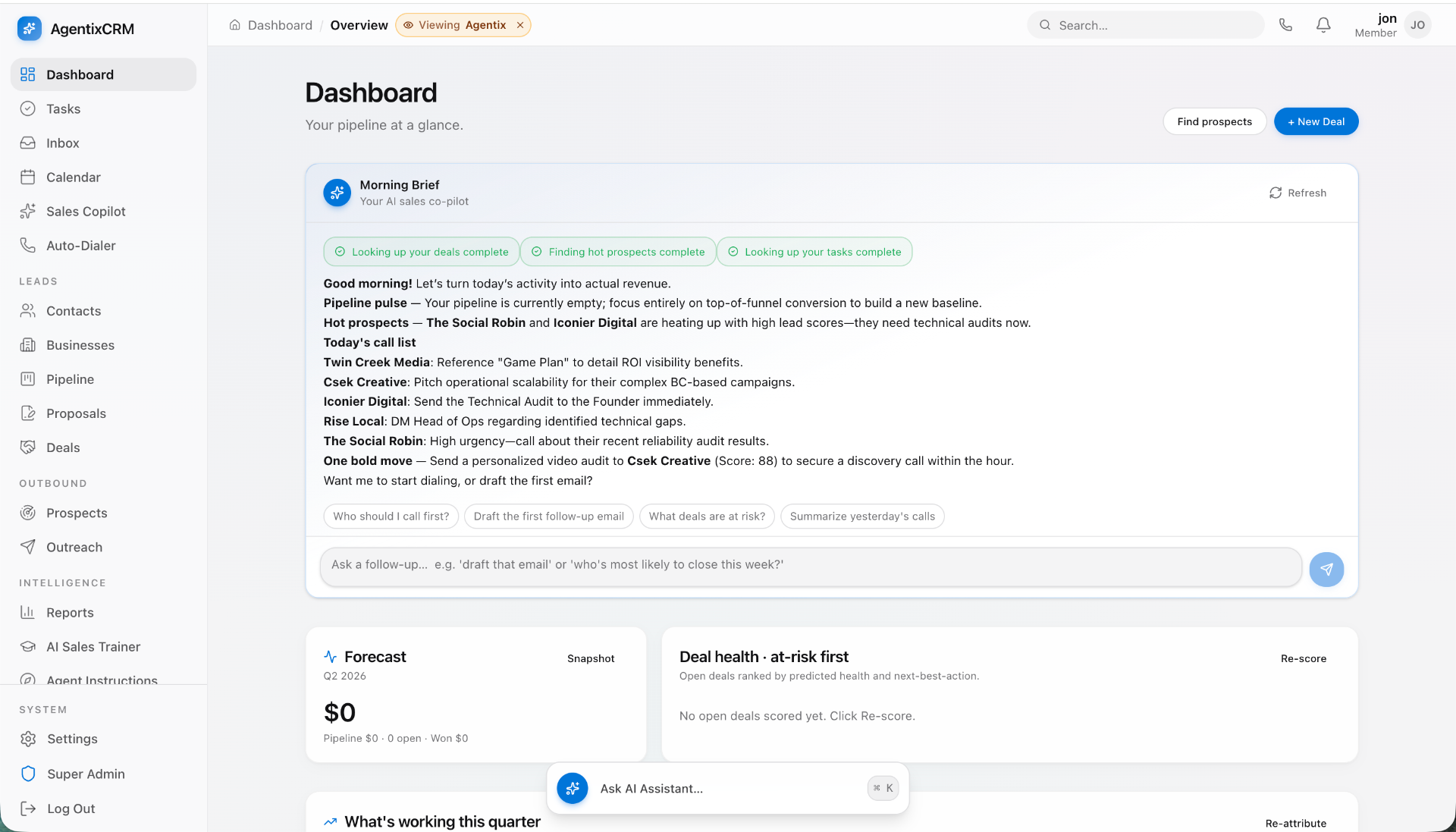
Let's take a real-world example. A fintech startup has a 15-person compliance team that needs to review user applications. They buy a generic case management tool for $75/user/month. That's $1,125/month or $13,500/year. But the tool can't automatically pull KYC data from their third-party provider. So, the team has to manually copy-paste data for every single application. If this adds 3 minutes per application and they process 100 applications a day, that's 300 minutes (5 hours) of wasted manual labor every single day. The "cheap" tool is now costing them a fortune in operational drag.
When does buying make sense?
Buy for solved, commoditized problems that are not your core business. No one should build their own accounting software, HR platform, or email marketing tool in 2024. Use QuickBooks, Gusto, and Mailchimp. The market has perfected these solutions.
Signs You've Outgrown Your OTS Tools:
- Your team lives in spreadsheets and your expensive SaaS tool.
- Standard operating procedures involve a lot of "export CSV from X, then import to Y."
- You find yourself saying, "If only it could just do this one other thing..."
- Your per-seat SaaS bills are approaching the cost of a junior engineer's salary.
- The tool only solves 70% of the problem, and the remaining 30% creates massive operational friction.
If this sounds familiar, you're ready to look at building or assembling.
The Allure and Danger of a Full Custom Build
A custom-built internal tool is the holy grail. It's tailored perfectly to your unique business processes. It integrates seamlessly with your production database and other systems. It can be a powerful competitive moat, enabling your team to operate with an efficiency your competitors can't match.
Imagine an e-commerce company with a custom fulfillment dashboard. It not only shows orders but also uses an algorithm to batch them by warehouse location, calculates optimal shipping routes in real-time, and flags potentially fraudulent orders based on a custom machine-learning model. This isn't just an admin panel; it's a strategic asset. You can't buy that off the shelf.
But this power comes at a steep price. The danger isn't just the initial development cost; it's the total, long-term resource drain that most founders underestimate.
The Real Cost of a Custom Build
Let's break down the cost of that "simple" admin panel your product manager wants.
Development Time: This is not a side project for a junior dev. A robust, secure, and usable internal tool is a full-stack application. It requires a database schema, API endpoints, a frontend UI, authentication, permissions, logging, and testing. A V1 of a moderately complex tool (e.g., a customer management dashboard that pulls data from 3 sources) will take a senior engineer 200-500 hours. At a conservative fully-loaded cost of $150/hour for a US-based engineer, you're looking at $30,000 - $75,000 for the initial build.
Opportunity Cost: This is the killer. Every week your best engineer spends building an internal refund tool is a week they are not spending on the new customer-facing feature that drives revenue. In a startup, focus is everything. Diverting your A-team to internal projects can be a fatal mistake.
The Maintenance Tax: This is the hidden cost that bites you 6 months later. An internal tool is not a "one and done" project. It is a living product that requires ongoing care and feeding. Budget 15-20% of the initial build cost per year for maintenance. This includes:
- Fixing bugs that crop up.
- Applying security patches to dependencies.
- Making small tweaks and feature requests for the team using it.
- Keeping it running as you update your core product's architecture.
- That $50,000 tool? It needs a $7,500 - $10,000/year maintenance budget, forever.
For mission-critical internal systems that represent a true competitive advantage, a custom build is the only answer. But instead of derailing your product roadmap, this is a prime scenario to partner with a specialized studio. At Envert, we act as a dedicated product team to design and build these complex internal applications from end to end. Your core team stays focused on your customers, while we deliver the tools your operations team needs to scale.
The "Assembler" Middle Ground: Retool and its Brethren
Retool, Appsmith, Internal.io, and others represent a third way. They aren't no-code tools for marketers; they are low-code platforms for developers. The premise is brilliant: let your engineers focus on the hard parts (the data and logic) and let the platform handle the tedious parts (the UI components).
With Retool, a developer doesn't build a UI from scratch with React. Instead, they drag and drop pre-built components like tables, buttons, and forms onto a canvas. Then, they connect these components to data sources by writing queries—SQL for your database, GraphQL/REST for your APIs. A button's onClick event can be configured to run a query, like UPDATE users SET status = 'approved' WHERE id = {{table.selectedRow.id}}.
Want this shipped, not just read about?
Book a free scoping call. We'll map the smallest billable wedge of your idea and tell you honestly if we're the right team to build it.
Book a free scoping callSee what we've shipped →
The Pros of the Assembler Path
- Blazing Speed: You can go from an idea to a functional internal tool in a matter of hours or days, not weeks or months. This is invaluable for responding to urgent operational needs.
- Developer-Centric: It leverages skills your engineers already have (SQL, JavaScript). They can write complex business logic and transformations right within the tool. It feels empowering, not restrictive.
- Lower Initial Cost: Compared to a full custom build, the initial time investment is an order of magnitude lower. You're paying with a subscription fee, not hundreds of precious engineering hours.
The Cons and the Inevitable "Wall"
Retool is not a silver bullet. Its advantages are front-loaded. The long-term picture can be more complicated.
- The Retool Tax: Retool's pricing is per-seat. A typical team plan is around $50/user/month. For a 50-person operations team, that's $2,500/month or $30,000 per year. At that price, you could have funded a significant portion of a custom build that you would own outright, with no recurring fees.
- The Performance Ceiling: Retool apps are web applications running inside another web application. For complex UIs with many components, large datasets, or intricate state management, they can become slow and janky. Your users will feel it.
- The Customization Wall: You are limited to the components and capabilities Retool provides. Need a highly specific data visualization, a drag-and-drop interface, or a pixel-perfect mobile layout? You're going to hit a wall. You can't just drop down into the code and build whatever you want.
- Vendor Lock-in: Your tool exists only within the Retool ecosystem. If you outgrow it or want to stop paying the subscription, you can't export your app. You have to start over and rebuild it from scratch.
A Decision Framework: Build vs. Buy vs. Assemble
So, how do you choose? It's not about which option is "best," but which is right for your specific context. Use this framework to guide your thinking.
| Dimension | Buy (e.g., Zendesk) | Assemble (e.g., Retool) | Build (Custom or with a Studio) |
|---|---|---|---|
| Uniqueness | Low: Solved, commodity problem (HR, Accounting). | Medium: Connects existing systems in a semi-unique way. | High: Core business logic, your "secret sauce." |
| Speed to V1 | Instant | Hours / Days | Weeks / Months |
| Initial Cost | Low (first month's fee) | Low (a few dev days) | High ($30k - $100k+) |
| Long-Term Cost | High (per-seat fees scale with team) | High (per-seat fees scale with team) | Medium (maintenance only, no recurring license) |
| Flexibility | Very Low | Medium | Infinite |
| Ownership | None (Renting) | None (Renting) | Total (Asset on your balance sheet) |
| Best For | Teams of any size with a standard problem. | Small teams (<20 users) needing a quick, simple solution. | Teams of any size with a complex, unique, and strategic operational need. |
Think about it in terms of these key questions:
- Is this process part of our company's core intellectual property? If yes, lean towards Build. Your unique operational efficiency is a competitive advantage.
- How many users will need this tool in 12 months? If the answer is <20, **Assemble** with Retool is often a no-brainer. If it's >50, do the math on the annual Retool cost. A Build will likely have a better ROI over 2-3 years.
- How complex is the required user experience? If it's a simple table with buttons to trigger API calls, Assemble is perfect. If you need a highly interactive, custom workflow with specific UI patterns, you'll need to Build.
The Hybrid Approach: The Smartest Path for Most Startups
You don't have to choose one path and stick with it forever. The savviest operators use a hybrid approach: start with Assemble, then graduate to Build.
- Prototype with Retool: An operations team needs a new tool. Instead of spending weeks writing a spec, a single engineer spends a day or two building a V1 in Retool. It's not perfect, but it's functional.
- Battle-Test in Production: The team starts using the Retool app immediately. They discover what works, what doesn't, and what's missing. They are giving you live, real-world user feedback.
- Crystallize Requirements: Over 6-12 months, the Retool app evolves. The team's feature requests against it effectively write the product spec for your V2. You have eliminated almost all of the guesswork about what to build.
- Graduate to a Custom Build: By now, you have a battle-tested design, a clear set of requirements, and you're probably feeling the performance or cost limitations of Retool. Now is the time to invest in a custom build. The project is massively de-risked because you know exactly what you need and why.
This is a pattern we love to see at Envert. Clients come to us with a successful-but-strained Retool application that's critical to their business. They've proven the value and are ready to invest in a scalable, long-term asset. We partner with them to architect and build a performant, beautiful, and fully custom application that will serve their team for years to come, turning a recurring SaaS cost into a permanent piece of company IP.
Beyond Retool: The Broader Low-Code Landscape
While Retool is the dominant player in the developer-focused internal tool space, it's worth knowing the alternatives. The principles of the "Assemble" path remain the same, but the implementation details differ.
- Appsmith: The leading open-source alternative. This is a great choice if you want to self-host to avoid per-seat costs and have more control over your data. The tradeoff is that you are now responsible for hosting, maintenance, and updates of the Appsmith platform itself.
- Internal.io, UI Bakery, etc.: Several other venture-backed players exist in this space. They often have different philosophies around component libraries, data source integration, or pricing. If you're going the Assemble route, it's worth doing a quick trial of 2-3 options to see which one clicks with your team.
- Bubble.io / Webflow: These are powerful no-code tools, but they are generally built for external-facing websites and applications. They are not optimized for the common internal tool pattern of building a UI on top of an existing database or set of APIs. For data-heavy internal dashboards, stick with the Retool-like platforms.
Ultimately, the choice of platform is less important than understanding the fundamental tradeoff you're making: you are exchanging long-term flexibility and ownership for immediate speed and convenience.
Ready to build an internal tool that gives your team superpowers? The path you choose—Buy, Assemble, or Build—will have a lasting impact on your team's efficiency, your burn rate, and your ability to focus on what matters most: your customers.
If you've hit the limits of off-the-shelf software or are feeling the growing pains of a low-code solution, it might be time for a strategic custom build. Book a free, no-pressure scoping call with the founders of Envert. We’ll help you analyze the tradeoffs for your specific situation and map out a practical plan for an internal tool that truly accelerates your business.
Frequently asked questions
Is Retool just for engineers?+
Yes, primarily. While it's 'low-code', it still requires technical skills like writing SQL queries or connecting to APIs to be useful. It's best thought of as a force multiplier for developers, not a no-code tool for non-technical business users.
How long does a custom internal tool take to build?+
A well-scoped V1 for a core business process typically takes 4-10 weeks with a focused team or development partner. A simple CRUD admin panel might take 2-3 weeks, while a highly complex system integrating multiple services could take 3+ months.
What's the biggest hidden cost of building an internal tool?+
Ongoing maintenance, without a doubt. You should budget 15-20% of the initial development cost annually for bug fixes, dependency updates, and minor feature requests. An internal tool is a real product with a real lifecycle, not a one-time project.
Can I migrate my Retool app to a custom build later?+
You can't 'migrate' the app itself; you must rebuild it from the ground up. However, the logic, queries, and user feedback from your battle-tested Retool app serve as an invaluable blueprint for the custom build, dramatically de-risking the new project.
When is buying an off-the-shelf tool always the right answer?+
When your problem is a solved commodity and not a source of competitive advantage. Never build your own CRM, HR platform, or accounting software. Use established leaders like Salesforce, Gusto, or QuickBooks and focus your engineering on what makes your business unique.