Build, Buy, or Retool? A Founder's Framework for Internal Tools Development
Choosing your internal tools development path is a critical decision. This guide breaks down the real costs and timelines of building custom, buying SaaS, or using a platform like Retool for your growing business.

Every scaling startup hits a wall. The patchwork of spreadsheets, Zapier automations, and manual copy-pasting that got you from 10 to 1,000 customers starts to crack under the pressure of 10,000. Human errors multiply, your team wastes entire days on repetitive tasks, and you have zero visibility into what’s actually happening in your operations.
This is Spreadsheet Hell. And the only way out is through dedicated internal tools.
The decision you face is a high-leverage one that will impact your company's efficiency, scalability, and even team morale for years. You have three main paths for your internal tools development:
- Buy: Purchase an off-the-shelf SaaS product.
- Build: Develop a fully custom software solution from scratch.
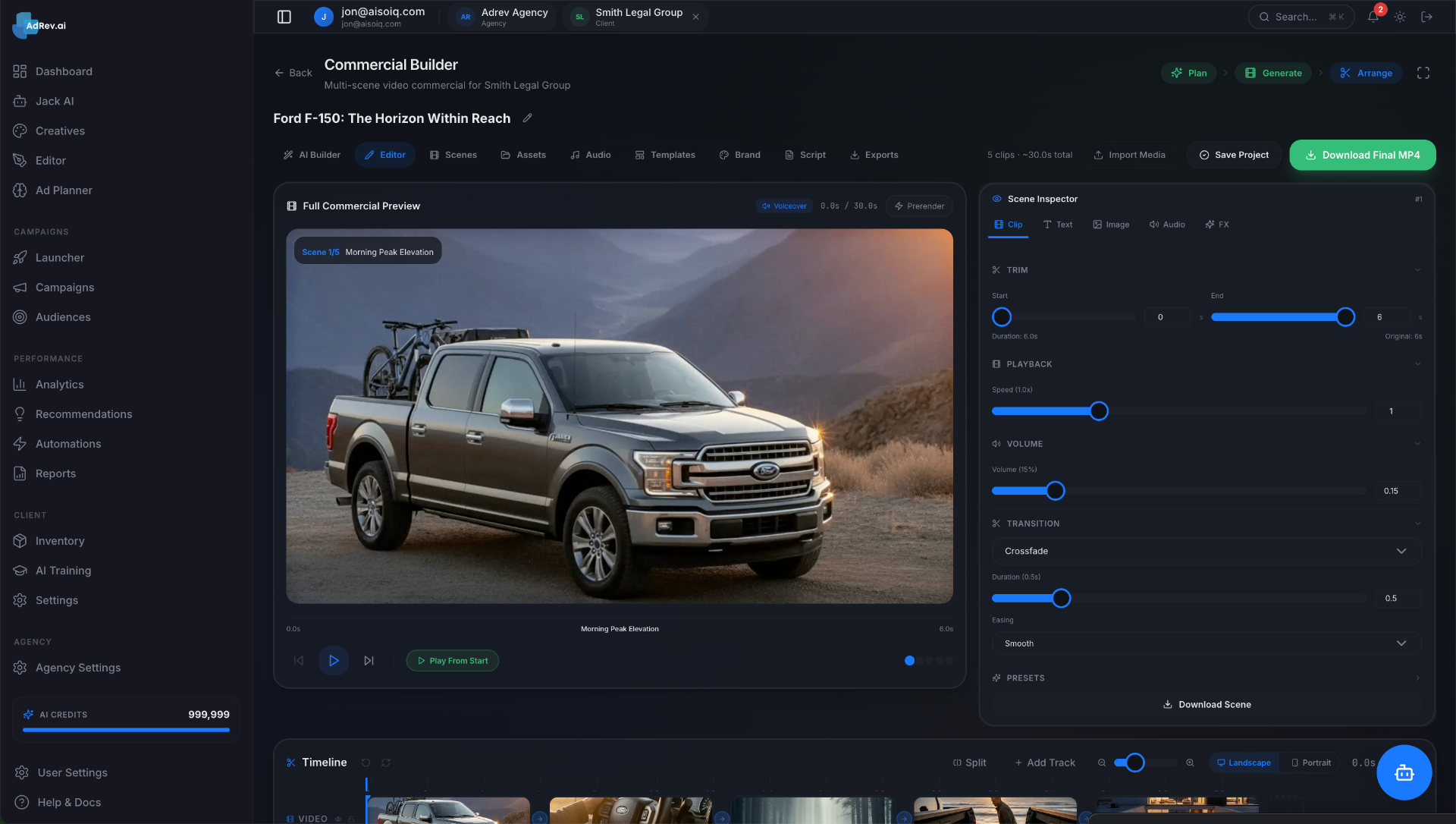
- Retool: Use a low-code platform like Retool, Appsmith, or Internal to build faster.
This isn't a simple choice, and anyone telling you there's a single right answer is selling something. The real answer depends entirely on your specific context: your budget, your team's technical skills, your timeline, and the strategic importance of the problem you're solving. As a studio that has built dozens of these systems for founders, we'll give you the unvarnished framework we use to help our clients make this exact decision.
The Real Cost of Doing Nothing: Spreadsheet Hell
Before we analyze the solutions, let's quantify the problem. Sticking with manual processes and spreadsheets isn't "free." It has a very real, and very high, cost.
Imagine an e-commerce company processing 100 customer refunds per day. The manual process involves:
- A support agent navigates to Stripe to find the charge.
- They navigate to Shopify to update the order status.
- They log the refund in a master Google Sheet for the finance team.
- They manually send a confirmation email to the customer.
Let's say this takes 5 minutes per refund. That's 500 minutes, or over 8 hours of work every single day. At a blended rate of $30/hour for a support agent, you're spending $240 per day, or over $87,000 per year, just on this one inefficient process. And that doesn't even account for the inevitable data entry errors, the security risk of multiple people having access to payment systems, or the terrible customer experience from delays and mistakes.
This is the baseline. Your solution needs to deliver a return on investment against this number. Doing nothing is actively costing you money and capping your growth.
Option 1: Buying an Off-the-Shelf SaaS Tool
Your first instinct might be to search for a SaaS tool that solves your problem. For many standard business functions, this is absolutely the right call. You shouldn't build your own accounting software (use QuickBooks or Xero) or your own CRM (use HubSpot or Salesforce).
The Pros: Speed and Predictability
The most significant advantage of buying is speed. You can often be up and running in days or weeks. The pricing seems predictable—a fixed monthly fee per user—and you don't need to dedicate scarce engineering resources to the build.
The Cons: The "80% Solution" and The Scaling Trap
The problem is that off-the-shelf tools are built for the average company, not your company. They solve 80% of your problem, forcing your team into awkward workarounds for the last 20%—the part that's often unique to your business and critical for your operations.
Furthermore, that predictable pricing becomes a trap. Paying $40/user/month for five users is a no-brainer. But as your team grows to 50 or 100 people who need access, you're suddenly looking at a $24,000 or $48,000 annual bill for a tool that doesn't even perfectly fit your workflow. You're stuck with vendor lock-in and a tool that actively hinders your ideal process.
A Checklist: When to Buy SaaS
Use this checklist to decide if buying is the right path:
- Is this a commodity business function? (e.g., HR, payroll, accounting, broad-based CRM)
- Does a mature market leader exist? Don't be a guinea pig for a brand-new SaaS.
- Is your workflow 95%+ standard? Can you adapt your process to the tool without significant friction?
- Is the per-seat pricing model sustainable as you scale? Model out the cost for 2x and 10x your current team size.
- Are the integration capabilities sufficient? Does it have robust APIs to connect to your other critical systems?
If you answer yes to all of these, buying is likely your best bet.
Option 2: Building a Custom Internal Tool
This is the path of maximum power and maximum responsibility. Building a custom tool means creating a software asset from the ground up that is perfectly tailored to your unique operational needs.
The Pros: The Perfect Fit and a True Asset
A custom tool is molded to your business, not the other way around. It can automate that multi-step refund process across Stripe, Shopify, and your database into a single click. It enforces your business logic, eliminates errors, and provides perfect visibility with a tailored dashboard.
More importantly, a custom internal tool becomes a proprietary asset. If your operational efficiency is a core part of your competitive advantage—allowing you to ship faster, offer lower prices, or provide better service—then the software that powers that efficiency is a strategic weapon. It grows with you, adapts to your needs, and nobody else has it.
The Cons: The Commitment of Time and Capital
Power comes at a price. Custom development requires a significant upfront investment of both time and money. You either have to pull your own engineers off product work (a massive opportunity cost) or hire a team, whether in-house or through a studio.
The project requires careful management, and you assume all the risk of maintenance, bug fixes, and future upgrades. This is not a 'set it and forget it' solution.
Cost & Timeline Breakdown: What to *Really* Expect
Don't trust anyone who gives you a price without understanding the scope. But to give you a realistic ballpark based on our experience building these tools:
Simple CRUD App (e.g., a basic customer lookup tool):
- Timeline: 4-8 weeks
- Cost: $25,000 - $50,000
- What it involves: Simple UI, connects to one or two data sources, allows for Creating, Reading, Updating, and Deleting records.
Complex Workflow Tool (e.g., the automated refund processor):
- Timeline: 3-6 months
- Cost: $80,000 - $200,000+
- What it involves: Integration with multiple third-party APIs (Stripe, Shopify, email services), a user roles/permissions system, detailed logging, and a sophisticated UI to manage complex state.
Want this shipped, not just read about?
Book a free scoping call. We'll map the smallest billable wedge of your idea and tell you honestly if we're the right team to build it.
Book a free scoping callSee what we've shipped →
If you're considering this path, working with a dedicated development studio like Envert can significantly de-risk the process. We provide a dedicated, US-based team of product experts, designers, and engineers who specialize in this exact type of work. We deliver a finished product on a fixed timeline and budget, letting your core team stay focused on your customer-facing product.
Option 3: Using a Low-Code Platform like Retool
In recent years, a third option has emerged: low-code platforms like Retool, Appsmith, and Budibase. These tools aim to offer a middle ground between the rigidity of SaaS and the expense of custom development.
What is Retool (and its ilk)?
Think of Retool as a WYSIWYG (What You See Is What You Get) editor for internal tools. You drag and drop pre-built UI components (tables, buttons, forms, charts) onto a canvas. Then, you connect these components to your data sources—your production database, a Google Sheet, or any third-party API—by writing queries and small snippets of Javascript.
The Pros: The "Best of Both Worlds"?
The primary advantage of Retool is speed. A competent engineer can build a functional CRUD app in Retool in a single afternoon—a task that might take a week or two with custom code. It's fantastic for:
- Admin panels for managing application data.
- Dashboards for visualizing key business metrics.
- Simple tools for customer support or operations teams.
It empowers more technical, non-engineer roles (like a data analyst or product manager) to build their own simple tools, freeing up your core engineering team.
The Cons: The Low-Code Ceiling and Hidden Complexity
Retool is not a silver bullet. While it's great for simple, data-in/data-out applications, you will eventually hit the "low-code ceiling." Complex, multi-step business logic becomes clunky and hard to manage. Performance can be a concern on apps with large data sets or complex UIs. And while you're "building," you're still building on a proprietary, closed-source platform.
The pricing can also be deceptive. Like off-the-shelf SaaS, it's often per-user, and the costs for advanced features and a growing team can add up quickly, sometimes rivaling the cost of a custom build over a 2-3 year period, but without the benefit of owning the underlying asset.
The Decision Framework: How to Choose
So, how do you decide? Ask yourself these four questions. Be honest about your answers.
1. Process Uniqueness: How custom is your workflow?
- Low Uniqueness (Standard Process): Your process is similar to most other companies in your industry. -> Strongly lean BUY.
- Moderate Uniqueness (Some Custom Steps): The core process is standard, but you have a few specific steps or data needs. -> Consider RETOOL.
- High Uniqueness (Proprietary Process): Your operational process is your competitive advantage. It's completely unique to you. -> Strongly lean BUILD.
2. Strategic Importance: Is this a core competitive advantage?
- Low Importance (Utility): This tool helps the business run but isn't a differentiator. -> Lean BUY or RETOOL.
- High Importance (Strategic): The efficiency/data from this tool directly enables your company to win in the market. -> Lean BUILD.
3. Speed vs. Long-Term Value: What's the immediate priority?
- Need Speed Now: The operational pain is acute, and you need a 70% solution this month. -> Lean BUY or RETOOL.
- Need Long-Term Asset: You're planning 2-5 years out and want to invest in a durable, scalable asset. -> Lean BUILD.
4. Available Resources: Who will build and maintain it?
- Limited Budget / No Tech Team: You have a small monthly budget ($500-$2k/mo) and no dedicated engineers. -> Your only real option is BUY.
- Tech-Savvy Ops Lead / Some Eng Time: You have a technical person who can write SQL and basic Javascript. -> RETOOL is a strong contender.
- Dedicated Eng Team / Significant Budget: You have engineers or a budget ($50k+) to dedicate to the problem. -> BUILD becomes a viable and powerful option.
Navigating this framework isn't always easy. We often walk founders through this exact thought process on our initial scoping calls. We see ourselves as a technical partner, not just a service provider. Sometimes the right answer is Retool, and we'll tell you that. When it is time for a custom solution, Envert's US-based studio can design, build, and launch your entire internal tool end-to-end, delivering a strategic asset that pays for itself in efficiency gains.
Beyond the Build: Maintenance and Evolution
Your decision doesn't end at launch. Internal tools are living products that require ongoing attention.
- SaaS (Buy): You are completely dependent on the vendor's product roadmap. If they don't build the feature you need, you're stuck. You also have no control over their downtime or security breaches.
- Retool: You are responsible for maintaining the apps you build. When Retool updates its platform, it can sometimes introduce breaking changes. The logic still needs to be owned and understood by someone on your team.
- Custom (Build): You must budget for ongoing maintenance. A good rule of thumb is to budget 15-20% of the initial development cost per year for hosting, bug fixes, security patches, and minor feature requests. This is the price of total control and ownership.
Your Next Move
Choosing your internal tools strategy is a defining moment for a growing company. Moving out of Spreadsheet Hell is non-negotiable for scale. The path you choose—Buy, Build, or Retool—depends on a sober assessment of your unique process, strategic goals, and available resources.
Don't default to the easiest option. Think through the second- and third-order consequences of your choice. Buying a quick fix can lead to expensive scaling traps, while a quick Retool app can hit a complexity ceiling. Building a custom tool is a significant investment, but it can create a powerful, long-term competitive advantage by turning your unique operational excellence into a software asset.
If you're wrestling with this decision and want a technical partner to help you analyze the trade-offs, we're here to help. Book a free, no-obligation scoping call with the Envert team. We'll help you map your process, evaluate the options, and provide a concrete plan for whatever path you choose.
Frequently asked questions
How long does it take to build a custom internal tool?+
The timeline depends entirely on complexity. A simple data management app might take 4-8 weeks, whereas a more sophisticated system that automates a core business process could take 3-6 months to design, build, and deploy.
Is Retool just for engineers?+
While it helps to be technical, Retool is designed to empower non-engineers like product managers or ops leads who can write SQL and basic Javascript. However, for complex applications and integrations, you'll still achieve the best results with dedicated engineering talent.
What are the hidden costs of "buying" an off-the-shelf SaaS tool?+
The biggest hidden costs are per-seat licensing that scales poorly, the time your team wastes on workarounds for feature gaps, and the cost of integrating the tool with your other systems. There's also a strategic cost to being locked into a vendor's roadmap.
When should I definitely *not* build a custom tool?+
You should not build a custom tool for a solved, commodity problem. If a mature SaaS product like QuickBooks, Gusto, or HubSpot solves 95% of your problem for a reasonable price, you should always buy. Focus your engineering resources on what makes your business unique.
Can an agency like Envert help with Retool development?+
Absolutely. We can help you scope whether Retool is the right choice, build complex applications on the platform faster than you could in-house, and handle the tricky integrations with your existing databases and APIs to get the most out of the platform.